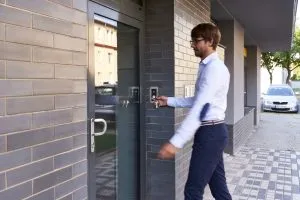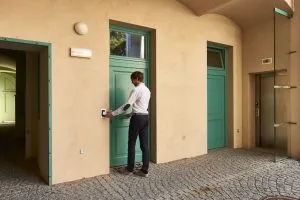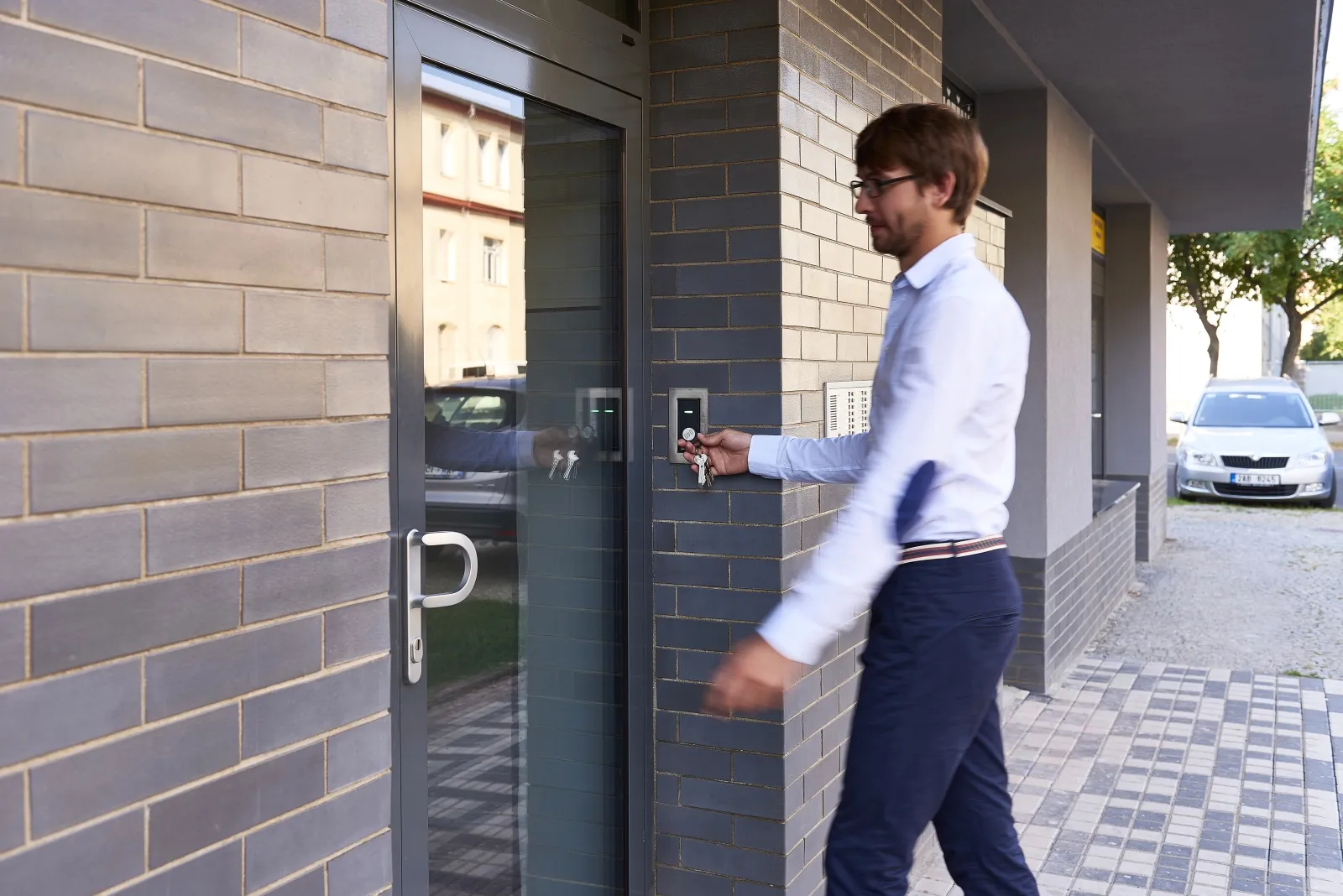
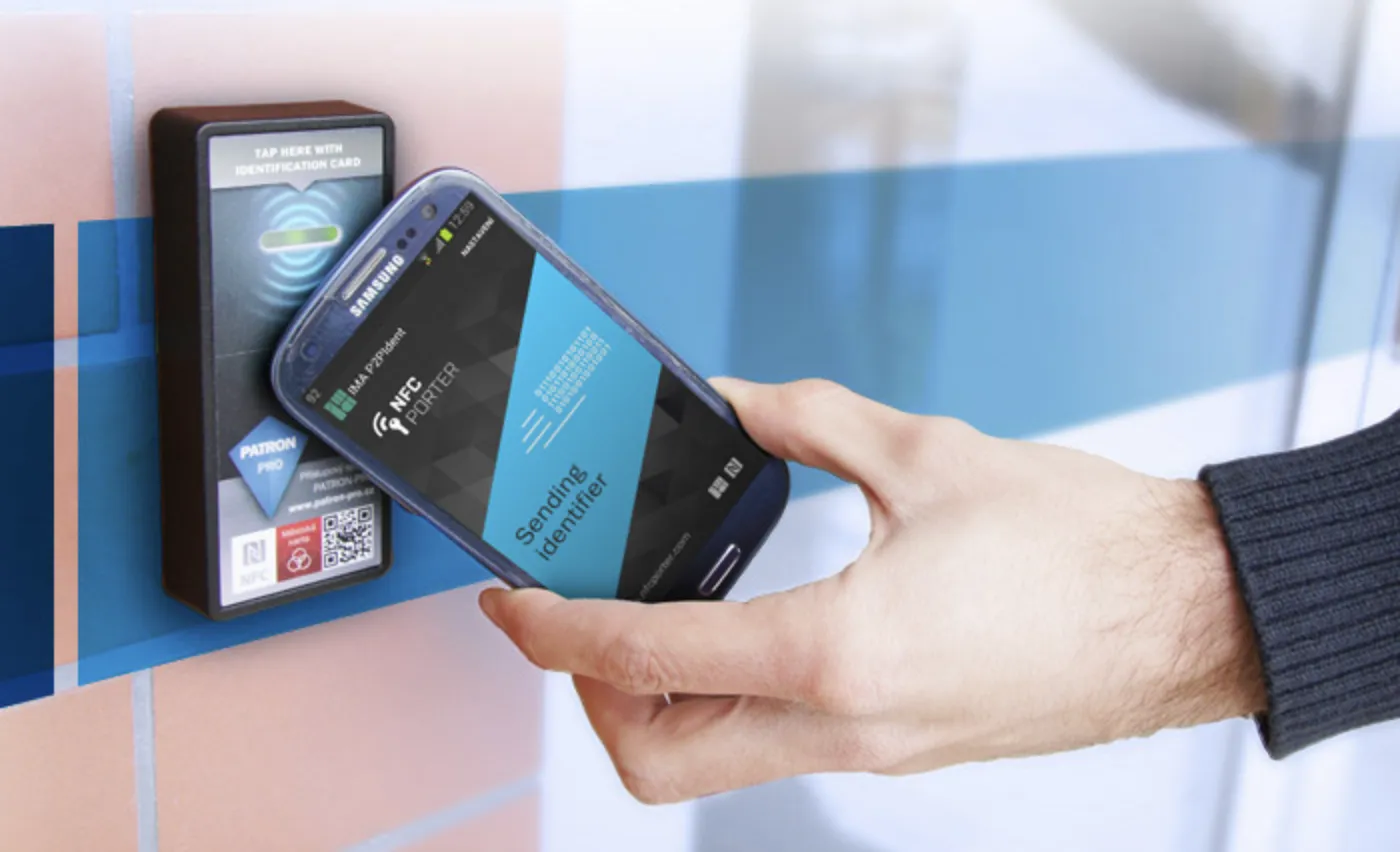
Unlock doors with mobile phones, tags or smartcards.
Just connect the NFCporter reader to your current access control system, download our free identification app and enjoy the advantages of mobile identification.
If you do not have an access control system installed yet, NFCporter is able to work in standalone mode to control a single entrance.
Pogledaj višeZKPorter i NFC sistem omogućujem vam

Installation
Read the instructions on how to install and manage IMAporter access control systems
Here you will find all the materials you might need to successfully handle the installation and subsequent management of our systems. In case of more demanding installations, we recommend you to find a local assembly company which we will train if necessary. We have a lot of experience in training local assemblymen remotely
Location of IMAporter Basic
IMAporter Basic is suitable for doors, gates, turnstiles or garage doors, but also for any internal doors you want to secure.
Requirements for system installation:
Central management from PC
Local management from mobile phone
IMAporter ID Cloud
Thanks to our system’s full integration with the ID Cloud platform, you will be able to easily create and send mobile keys to new user’s devices directly from the PC Admin application.Distribution and configuration of mobile keys according to your preferences is also possible from the ID Cloud web interface. For both, you just need a login and a password which you will receive as a part of your order.Mobile keys are sent to new users automatically after stating the required data, via a remotely encrypted channel by QR code, e-mail or SMS.
Settings
You can sort users into groups and restrict their access to the building based on a calendar and/or any specific requirements. This gives you better control over who enters the building and when.
Payment for devices/users
Opening doors with IMAporter Basic
Opening by phone
1. Install the Mobile Key user application (available for free on Google Play App Store ).The administrator will register the device and set up access rights3. You will receive a configuration SMS and an e-mail with a QR code that you will use to securely save your mobile key to your phone4. Tap the reader with your mobile phone, light up the display and the door will open
What if my phone is not working?
IMAporter access control systems use NFC and Bluetooth 4.0+ technologies based on the purchased configuration. When you first start the Mobile Key user application, your phone will inform you which of these technologies are supported. Usage of the MobileAccess function requires at least one type of these technologies. Furthermore, it is necessary that the phone is operational at the time of identification.If your phone runs out of battery, you can always open the door with an RFID tag, a smart card or a physical key.
Opening with tags or cards
You will need a safe tag or smartcard (MIFARE, DESFire, LEGIC) registered in the system. Hold the selected identifier near the reader and the door will open.A big advantage of tags or cards is that they can never run out of battery. They can serve as a great backup solution or a solution for users who do not wish to use their mobile devices as means of gaining access to the building.
Kako sistem radi u realnom vremenu?
Access control systems are suitable for apartment buildings, offices, or even guesthouses. Access rights for up to 2100 users can be set up via a mobile phone, an admin PC or web interface. As for commercial buildings or shared housing, you can take advantage of the time – restricted access feature , both for specific date and time or length of stay